More AI models
Read more

Slackbot AI agent: Salesforce turns Slack into a super agent
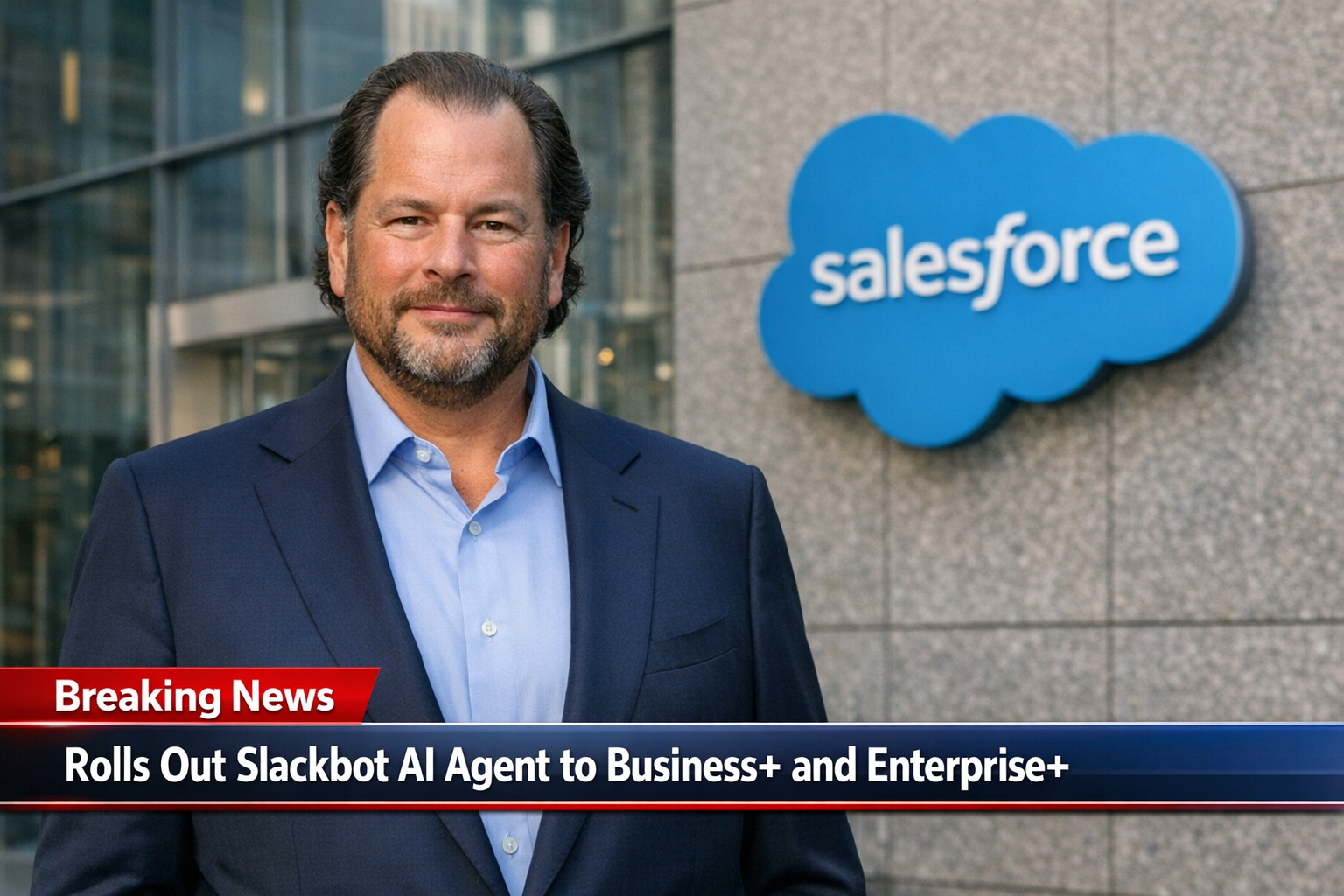

Salesforce just made Slackbot matter again - in a big way. According to VentureBeat, the company launched a rebuilt Slackbot that moves beyond reminders and notifications into a full AI agent that can look across enterprise information, create content, and complete tasks for employees. It is generally available to Business+ and Enterprise+ customers.
Why this matters to you: Salesforce is trying to make Slack the place where work happens and where work gets done. If you rely on Slack daily, this shifts the competitive balance against Microsoft Teams with Copilot and Google Workspace with Gemini, and it changes what "chat" can mean inside your business.
The old Slackbot was largely a utility. It could help with straightforward, rules-based jobs: sending a reminder, surfacing a notification, nudging you about something you already set up. The new Slackbot is designed for messier work - the stuff that takes you 30 minutes of tab-switching, searching, and summarizing before you even know what to do next.
Salesforce leadership framed the upgrade as a drastic jump in capability, comparing it to going from a kids' tricycle to a high-performance sports car. Under the hood, the new Slackbot uses a large language model plus stronger search and deeper connections to the systems where information lives: Salesforce records, Google Drive, calendars, and existing Slack conversation history.
In demos described in the article, Slackbot goes beyond answering a single question. It can pull multiple signals together - like customer feedback, internal context from Slack, quantitative data, and even images (for example, dashboards) - then turn that into action. That action might be generating a shared document in Slack Canvas, spotting an opportunity that maps back to Salesforce, or coordinating schedules for a meeting.
If you've been waiting for an assistant that does more than "suggest a reply," this is Salesforce raising its hand and saying: Slack is where the agent layer should live.
A major detail in the rollout: Slackbot is powered by Anthropic's Claude initially. Salesforce tied that choice to compliance needs related to FedRAMP Moderate certification requirements. That matters because it hints at the buyer Salesforce is prioritizing: larger, security-conscious organizations that can't just bolt on any AI tool without a governance story.
Salesforce also said Slack will add more model options this year, including Google's Gemini and potentially OpenAI. The reasoning is strategic: Salesforce leadership believes foundation models are becoming more interchangeable, so the long-term advantage shifts to workflow, data connections, and distribution - not just which model you run.
There's also a clear stance on data usage. Salesforce said it does not train models on customer data, arguing that training on private conversations would create a security problem. For you as an operator, that isn't a guarantee of zero risk, but it is the kind of procurement-friendly posture that makes adoption easier in regulated or reputation-sensitive industries.
This launch hits three groups differently: employees, IT/security teams, and company leaders watching productivity and software costs.
1) Employees get a "context worker" inside the chat window.
Slack already sits in the flow of work. Salesforce is betting that Slackbot can become the place you ask: "What did the customer say last week?" "Where's the latest doc?" "Summarize the thread and turn it into a plan." In Salesforce's internal rollout to 80,000 employees, adoption was fast. Two-thirds tried it; of those users, 80% kept using it. Reported satisfaction reached 96%, and people claimed time savings of 2 to 20 hours per week. Even if your team only gets the low end of that range, that's a meaningful weekly giveback.
2) IT/security teams may like the permission model, but they'll still want guardrails.
One pilot customer, Beast Industries (MrBeast's parent company), highlighted an operational advantage: Slackbot only pulls from data a user is already allowed to see. That made the rollout feel unusually smooth from a security standpoint, and employees reported saving up to 90 minutes a day. If you are constantly blocked by "we can't share that" concerns, permission-aware access is a practical feature, not a nice-to-have.
3) Leadership gets a new productivity lane - and a new competitive battlefield.
Salesforce is positioning Slackbot directly against Microsoft Copilot in Teams and Google's Gemini across Workspace. The core argument is proximity and context: Slack is already where conversations, decisions, and links live. So instead of asking you to set up a new assistant from scratch, Slackbot can use the "years of Slack conversations" angle as an on-ramp to usefulness.
But here's the tradeoff you should pay attention to: cost and ecosystem friction. Slackbot is included at no added charge for Business+ and Enterprise+ plans, yet the article notes Salesforce also made broader data access pricing changes that could raise costs for some customers using third-party integrations. If your workflows depend on a patchwork of outside tools connected into Slack, your total bill (and your vendor relationships) might shift even if Slackbot itself feels "free."
Also, Salesforce is selling a bigger vision: Slackbot as a future "super agent" that can coordinate other agents across a company. They also admit that real multi-agent coordination will take time. Translation: what you can get now is a powerful single entry point that can search, draft, and trigger actions. The fully automated network of cooperating agents is not an overnight reality.
If you run a business, you don't need an AI agent that produces clever text. You need one that reduces cycle time: fewer meetings, faster handoffs, less duplicate work, and cleaner follow-through. The article's examples point to a few practical automation patterns you can adopt without being deeply technical.
If your business relies on other apps beyond what the article lists, you can still plan your stack cautiously. Tools like Zapier or Make.com often sit between systems to automate handoffs (for example, turning a Slack request into a tracked task). The caution, based on the article, is that Salesforce's data-access pricing moves could change the economics of third-party connections. So you should treat any integration-heavy workflow as something to validate with your admin or rep before you scale it across teams.
You don't need a six-month transformation project to learn whether this will help. A tight pilot can show value fast - and surface the risks.
Choose a process that's already living in Slack and already causing friction. Good candidates: weekly account review, customer feedback triage, incident follow-ups, or onboarding questions that repeat nonstop. Define a measurable outcome like: "Turn a messy thread into a 1-page Canvas plan within 10 minutes" or "Cut meeting scheduling chatter by 50%."
Start with one team (5-15 people) and have them use Slackbot for the same two or three prompts every day. You're looking for repeatable wins, not novelty. Use the article's internal numbers as a reality check: even 2 hours saved per week per person can justify the change if the workflow is stable.
Because Slackbot can pull from sensitive enterprise sources, write simple rules your team can follow. Examples: what info is okay to summarize, how to handle customer data, and when to double-check outputs before sending. The article emphasizes permission-based access and Salesforce's stance that it doesn't train on customer data, but you still need internal process discipline so people don't treat the bot as infallible.
If the pilot works, expand to another team. At the same time, audit where your Slack workflows depend on third-party tools. The article signals that broader Salesforce pricing for data access may increase costs for some integration scenarios. That doesn't mean you should avoid automations - it means you should forecast them.
The goal: within 2-4 weeks, you should know whether Slackbot is a nice gadget or a real operating advantage for your business.
This rollout is Salesforce making a direct claim: the future of work can be centralized in a chat interface, with Slackbot acting as the entry point to enterprise data and actions. Competition is the backdrop. Microsoft and Google are pushing their own AI layers across the tools people already use, and Salesforce is countering with "Slack as the hub" plus agent behavior that feels closer to delegation than chat.
Two timelines matter going forward: how quickly Slack adds more model providers (Gemini is mentioned, and OpenAI is a possibility), and how long it takes for the "super agent" vision to become practical multi-agent coordination rather than marketing language. For you, the near-term opportunity is simpler: use the new Slackbot to get answers faster, document decisions better, and reduce the manual glue work that eats your week.
Source: VentureBeat
Want to see where an AI agent would pay off first in your Slack workflows? We'll help you pick the right starting process, set simple guardrails, and map what to automate (and what not to) so you get results without chaos. If you're already on Slack Business+ or Enterprise+, you may be closer than you think.


.png)


